
Ever feel like too much screen time might steal those special moments with your little one? It can be tough to find the right mix between digital fun and hands-on play. Sometimes, when screens take over, you miss out on those little moments, warm hugs, giggles, and playful adventures outdoors.
In this post, we share simple, age-based tips that help you strike the perfect balance. Our aim is to guide you toward habits that keep screen time fun yet healthy, so your child enjoys both the magic of real-life play and the benefits of a little digital time.
Navigating Screen Time Recommendations by Age

For babies under 18 months, experts advise sticking to video chats with a caregiver instead of regular screen time. This way, your little one can see familiar faces like grandma or grandpa, all while enjoying real-life interactions. Think of it as a sweet hello that still leaves room for cuddles and play.
For toddlers between 18 and 24 months, it’s okay to introduce high-quality content when you're there to guide them. Watching together helps make screen time interactive instead of a solo activity. Imagine saying, “Let’s watch this fun, colorful cartoon together,” and then asking, “What do you see on the screen?”
When your child is a preschooler (ages 2 to 5), try to limit screen time to about one hour a day of engaging, learning-focused programs. After a little screen time, you might sing a song, draw a picture, or head outside to explore. This way, the screen becomes a little spark of curiosity rather than a long, endless distraction.
For kids aged 6 and up, aim for around two hours of entertainment daily. This helps them balance screen time with homework, play, and plenty of sleep. Of course, every child is different, if your little scientist adores a particular show, you might offer a bit of extra time on weekends as long as it doesn’t cut into other important activities.
These age-based guidelines give you a clear, friendly way to keep screen time balanced while still catering to each child’s unique needs.
Screen Time Boundaries: Establishing Device Limits for Children

Start by taking a moment to think about your own screen time. When you understand your habits, it's easier to choose limits that feel fair. You might even say, "I sometimes spend too long on my phone, and it leaves me a bit tired." This honest chat shows your little one that taking a break is good for everyone.
A casual family chat can help set up digital guidelines. Instead of laying down hard rules, ask your child how they feel when the screen turns on or off. For example, you might say, "Let's talk about when it's fun to use the tablet and when it's nice to play outside together." This way, everyone gets a chance to share their thoughts, and your child learns to manage screen time on their own.
After some screen time, plan a fun offline activity to use up any extra energy. Maybe after a short show, say, "Alright, let's build a cozy pillow fort!" This quick switch from screen to play not only helps smooth over any sudden mood changes but also makes time away from the screen something to look forward to.
By checking in with yourself, chatting with your family, understanding feelings around screen use, and setting up fun offline moments, you're helping your child shape healthy digital habits in a caring way.
Screen Time Conflicts: Resolving Device Disputes
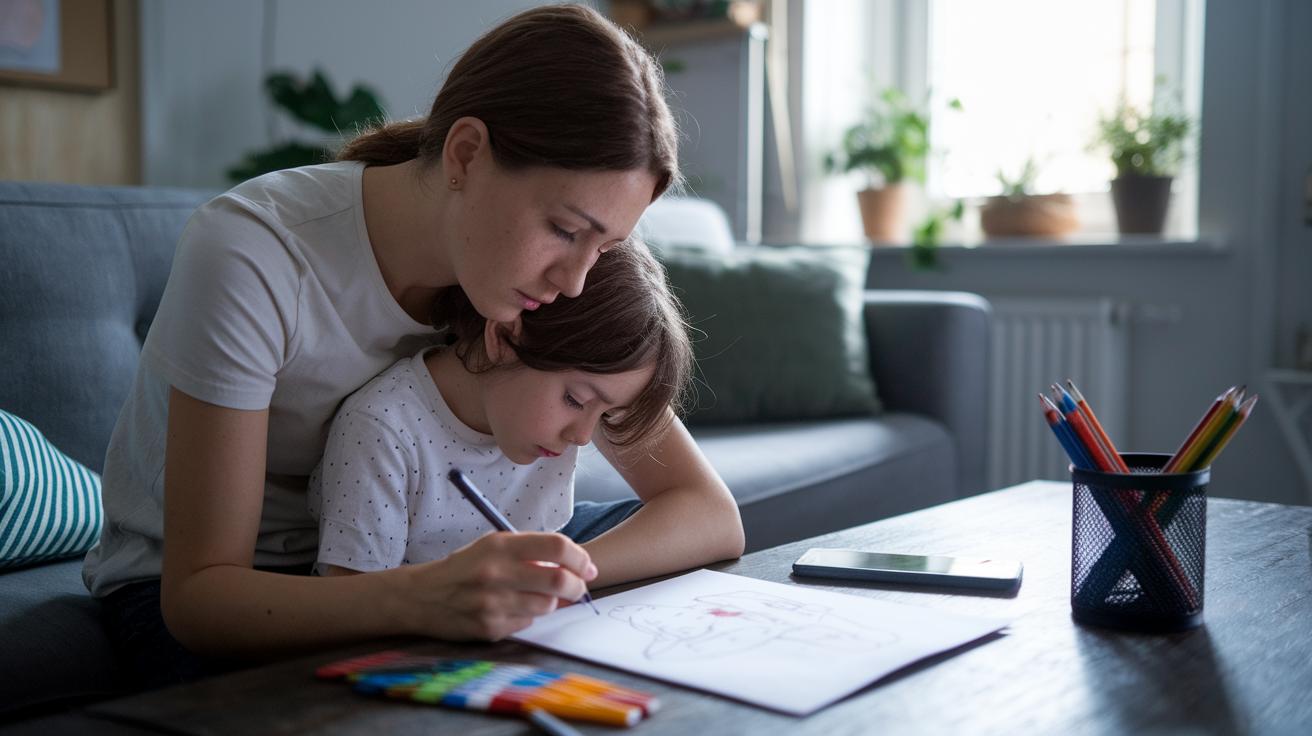
When screen time is over, your little one might feel upset or on edge. Listen to their words. They might say something like, "I’m upset when the screen goes off, and I’m not ready!" That tells you they’re feeling bored or stressed. Sometimes, you can even admit, "I often find it hard to put my phone down, too." Being honest like this builds trust and helps your child feel understood.
Screens can light up a burst of feel-good chemicals (like dopamine) and an extra surge of energy that makes shutting off the screen a big deal. So why not plan something fun to do right after? You might say, "How about we draw something or have a little dance party?" Watch for signs like fidgeting or a tired look, that’s a hint to tweak your approach.
- Listen closely to your child’s feelings
- Share your own struggles with screen time
- Quickly move to fun, hands-on activities
When these screen time battles pop up, handling them with understanding and clear steps can bring back calm and keep things balanced.
Educational Screen Time: Selecting Quality Content

When you pick digital content for your little one, go for apps and programs that are safe, non-violent, and just right for their age. Look for ones that spark curiosity and let your child learn by doing. Sometimes it’s fun to play along, say, "Let's explore this number story together", and then chat about it as you go.
Interactive apps that invite tapping or swiping can hold your child's attention much better than videos that just play on repeat. They help kids understand ideas by actively engaging with the content, so it feels more like real learning.
Before adding a new digital tool to your mix, think about whether it suits your child’s growth. Ask yourself, "Will this app spark creativity?" or "Does it encourage little problem-solving moments?" Sometimes, pairing screen activities with offline ones, like drawing or building a simple craft, can make the whole experience even more enjoyable.
In the end, choose content that naturally teaches healthy digital habits and invites your child to explore. Mixing screen time with hands-on play helps create a balance that feeds their mind and creativity.
- Evaluate digital tools carefully
- Co-play to boost engagement
- Transition time to offline activities
Screen Time Alternatives: Promoting Non-Digital Play

Right after screen time, try shifting into a fun, offline activity that helps your little one unwind and start fresh. You might say, "How about we draw our favorite animal?" Just imagine the joy as crayons and paper spark their creativity after digital use. This simple change can gently let go of built-up energy.
Plan a mix of activities that tap into different interests. Switch up between arts and crafts, fun storytelling where everyone adds a twist, a quick backyard treasure hunt, or easy science projects that stir curiosity (like building towers with household items). I’ve seen a young adult, who grew up with hardly any screen time, now lead outdoor adventures for kids, showing how offline play can boost creativity and deepen a bond with nature. Moments like these not only bring families closer but also help build resilience and a love for the natural world.
Here are a few fun ideas to try:
- Dive into arts and crafts for hands-on fun.
- Enjoy storytelling sessions where each family member adds a cool twist.
- Explore your backyard or local park for mini-adventures.
- Take on simple STEM challenges, like building creative towers with things you have at home.
Switching from screen time to these enriching activities helps balance digital exposure while nurturing healthy habits and sparking creative minds.
Screen Time Tracking: Monitoring and Adapting Device Use

Keeping an eye on your little one's screen time can be a real lifesaver. Use the built-in settings on your device or try a parental-control app to log the minutes they spend on screens every day. It’s like getting a peek into their digital world. You might check the log and say, "Wow, we spent almost an hour on the tablet after lunch," which clearly shows how things are going.
Next, compare this data with age-appropriate guidelines and notice how your child behaves afterward. If they seem more fidgety or tired after long screen sessions, it might be time to adjust those limits. I once heard from a parent, "We noticed our screen minutes spiked on school project days, so we shortened the sessions to help avoid overstimulation." It’s all about reading the signs.
Remember, you can change the limits depending on what’s happening that day. If your child’s mood or school workload shifts, you might need to tighten the rules. On special days, though, it might be okay to relax them a bit. Creating tech-free times, like during meals or right before bed, can help the whole family form healthier habits.
- Review the logged data regularly
- Notice how changes in screen time match your child’s mood and behavior
- Adjust the limits as needed based on each day’s demands
Screen Time Agreements: Creating Family Media Plans

Get everyone together for a family chat where you can all decide on screen rules as a team. Sit down with your loved ones and talk about how each person uses digital devices each day. For example, you might say, "How many minutes should we spend on screens today?" and then write that down in a spot everyone can see.
- Choose a daily screen time that fits each age group.
- Pick out spots, like the dinner table or bedrooms, where no devices are allowed.
- Agree on a set time when screens need to be turned off.
After you’ve all agreed, plan some fun activities together. Maybe suggest a movie night or a game session. Imagine saying, "What if we watch our favorite cartoon on Friday night?" It helps everyone feel connected and makes sticking to the plan more enjoyable.
Writing these rules on a clear chart gives everyone a chance to feel responsible and helps them remember the agreements. Making these decisions together builds trust and keeps your home a nurturing place. You can always check out tips from authoritative parenting and first time parent advice to keep things running smoothly.
This family plan isn’t just a set of rules, it’s a promise that everyone in your home is working together.
Final Words
In the action, this guide shared simple tips on setting screen time limits that fit your child’s age. We covered how to pick quality content, introduce creative non-digital play, and even work together to create a family media plan. By tracking habits and listening to your child’s cues, screen time becomes a helpful tool for learning and fun. Remember, when it comes to navigating screen time for kids, balance and collaboration make the routine both manageable and enjoyable.
FAQ
FAQ
Navigating screen time for kids reddit
The discussion about managing screen time for kids on reddit centers on how parents exchange honest tips and experiences that help set clear routines and balanced limits in the digital age.
Navigating screen time for kids free
The phrase managing screen time for kids free highlights finding cost-free, practical ideas shared among parents, offering strategies to balance devices with engaging, offline activities.
Navigating screen time for kids app
The inquiry into managing screen time for kids apps describes using specialized applications that track usage and set limits, helping parents balance digital play with real-world experiences.
Screen time recommendations by age chart
The term screen time recommendations by age chart describes age-specific limits—such as one hour for preschoolers and two hours for older children—ensuring that screen use is both controlled and educational.
How to reduce screen time as a student
The question on reducing screen time as a student suggests methods like scheduling regular breaks, engaging in offline hobbies, and setting strict time limits to boost focus and overall well-being.
Negative effects of screen time on child development
The concern about negative effects of screen time on child development indicates that too much digital exposure can impact social skills and attention, which is why balancing tech time with creative play is advised.
How to limit screen time teenager
The query about limiting screen time for a teenager explains that setting family rules, encouraging offline activities, and promoting self-control can help create a healthier balance in daily life.
How to manage Screen Time for kids Apple
The question about managing screen time for kids on Apple devices refers to using built-in settings to monitor usage, set limits, and foster routines that blend digital engagement with active play.
What is the 3 6 9 12 rule for screen time?
The 3 6 9 12 rule for screen time means gradually increasing screen limits with age, starting with no use for very young kids and slowly adding more time as they mature while still stressing quality content.
What are the 5 C’s of screen time?
The mention of the 5 C’s of screen time involves looking at key factors—content, context, control, communication, and co-viewing—so families can decide what media is truly appropriate.
What is the 30 30 30 rule for screen time?
The 30 30 30 rule for screen time means that after 30 minutes of screen use, a break of 30 seconds is taken, and overall sessions are limited to 30 minutes before switching activities.
What are the 3 C’s of screen time?
The reference to the 3 C’s of screen time focuses on content, context, and co-viewing, guiding families to choose suitable media and engage together to set thoughtful digital limits.


